Sidebar, folders & tabs
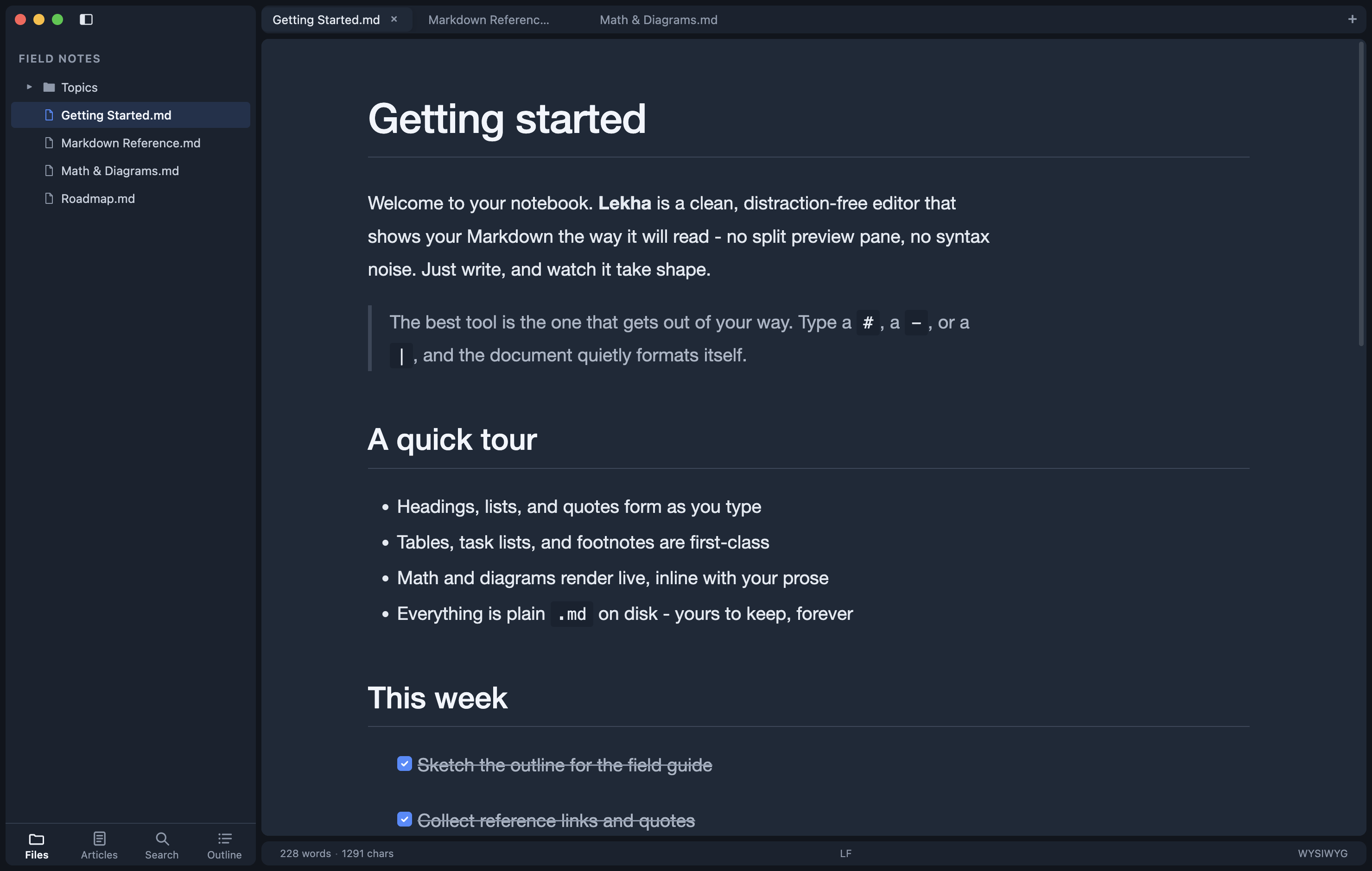
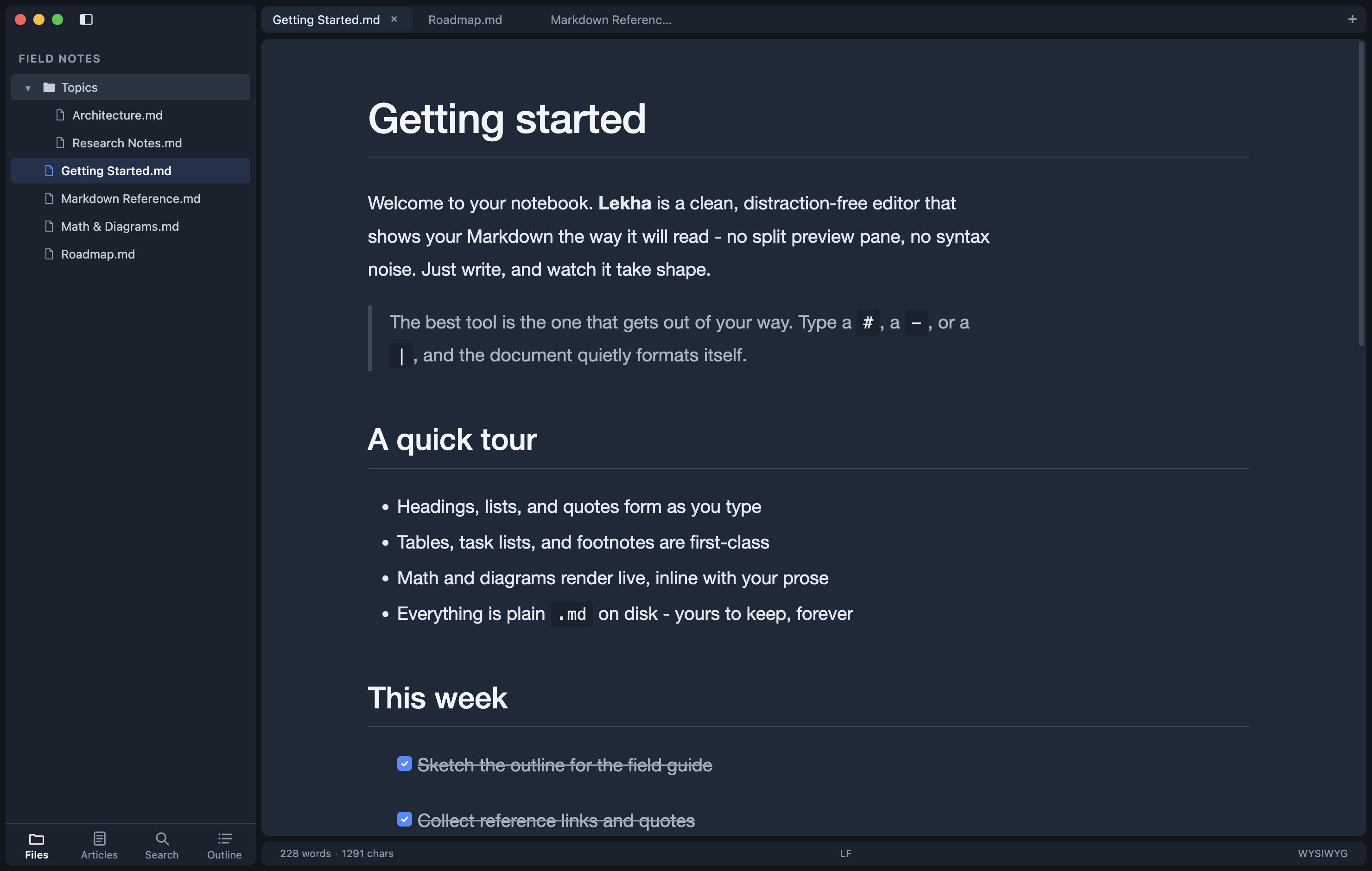
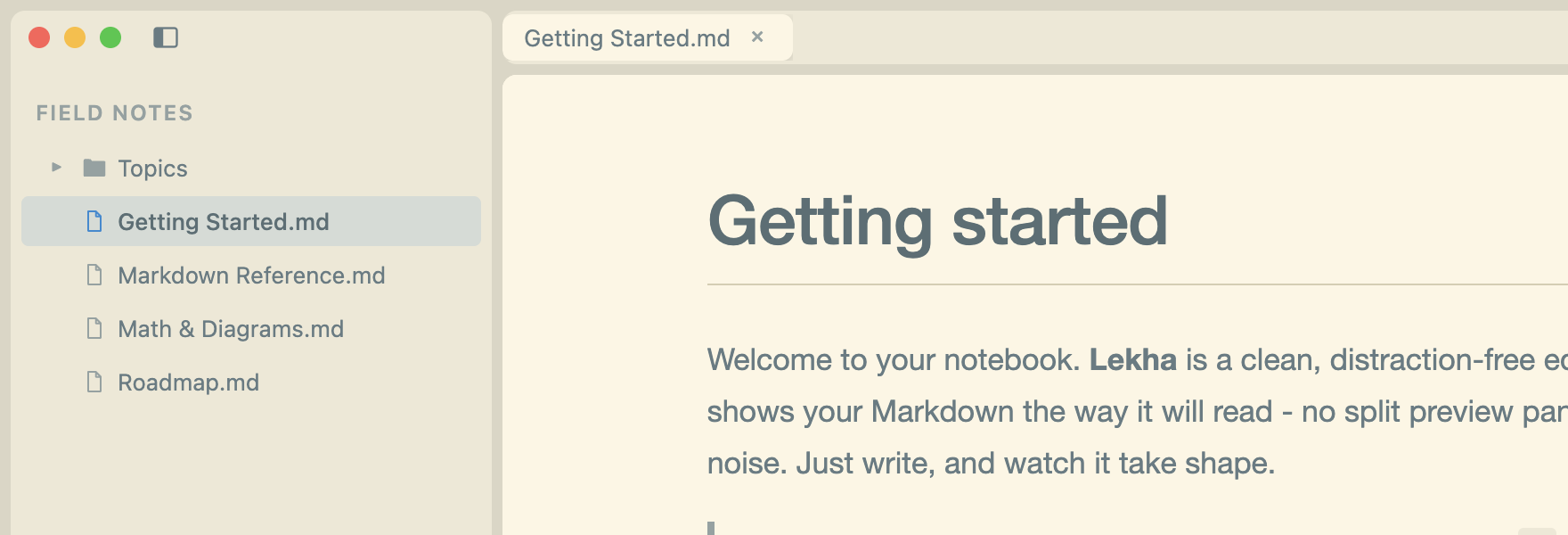
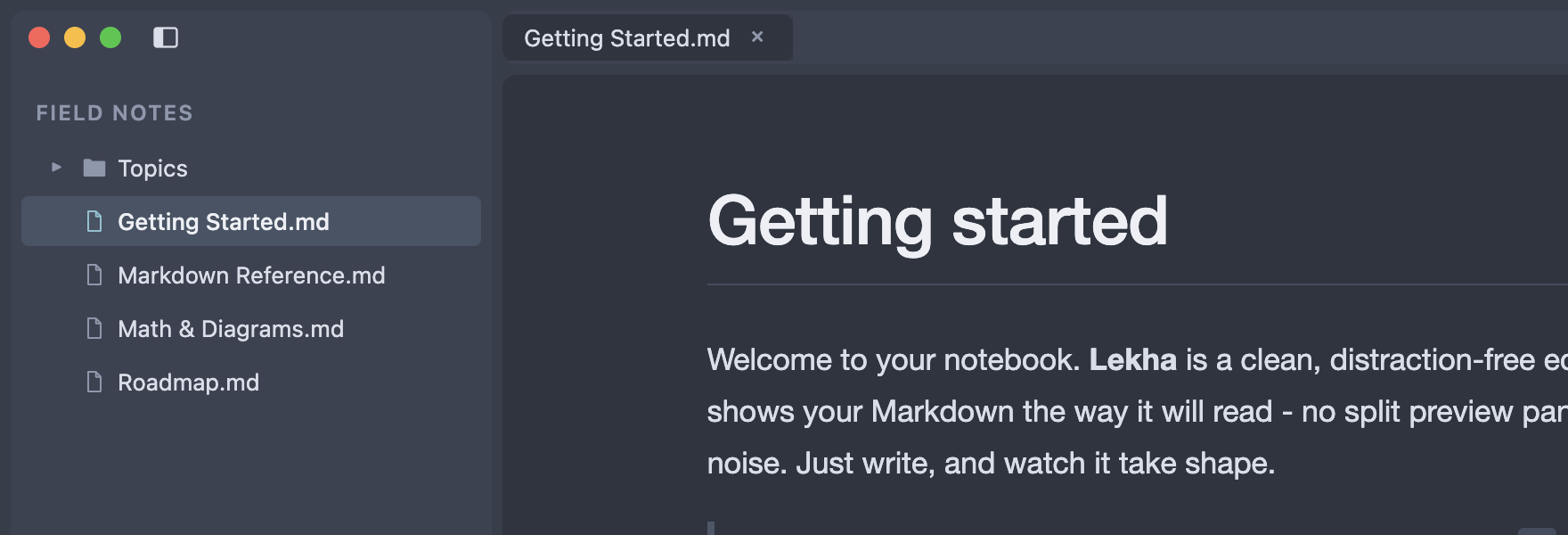
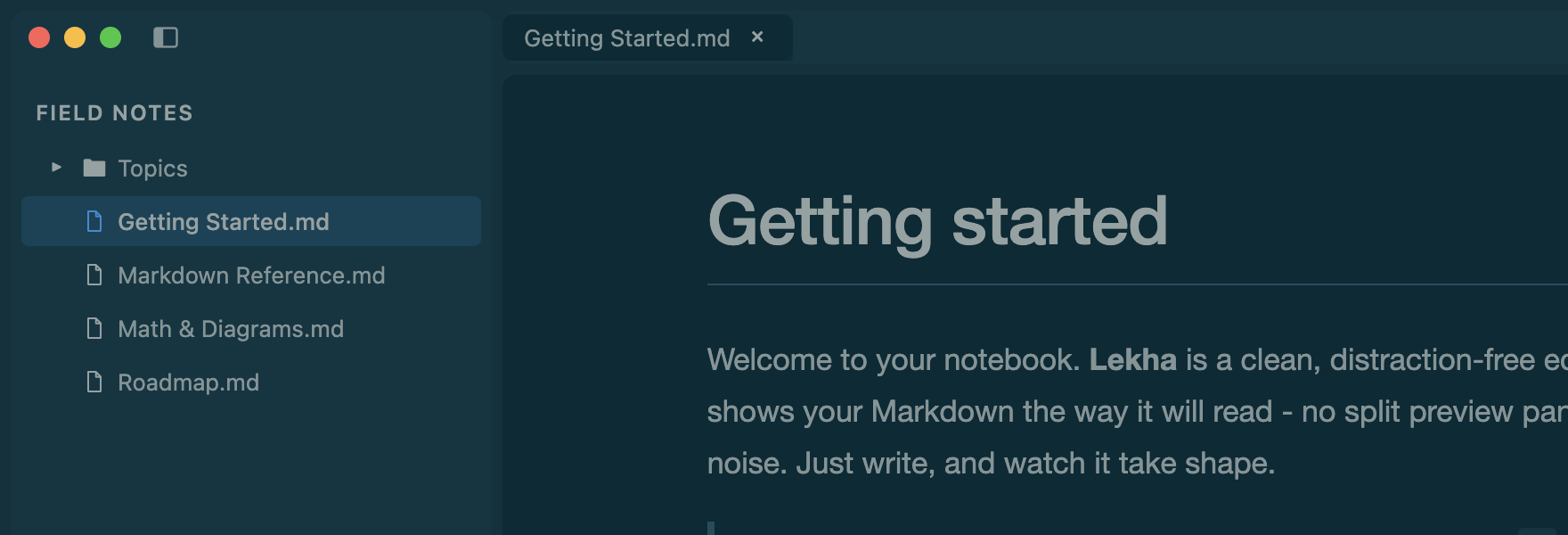
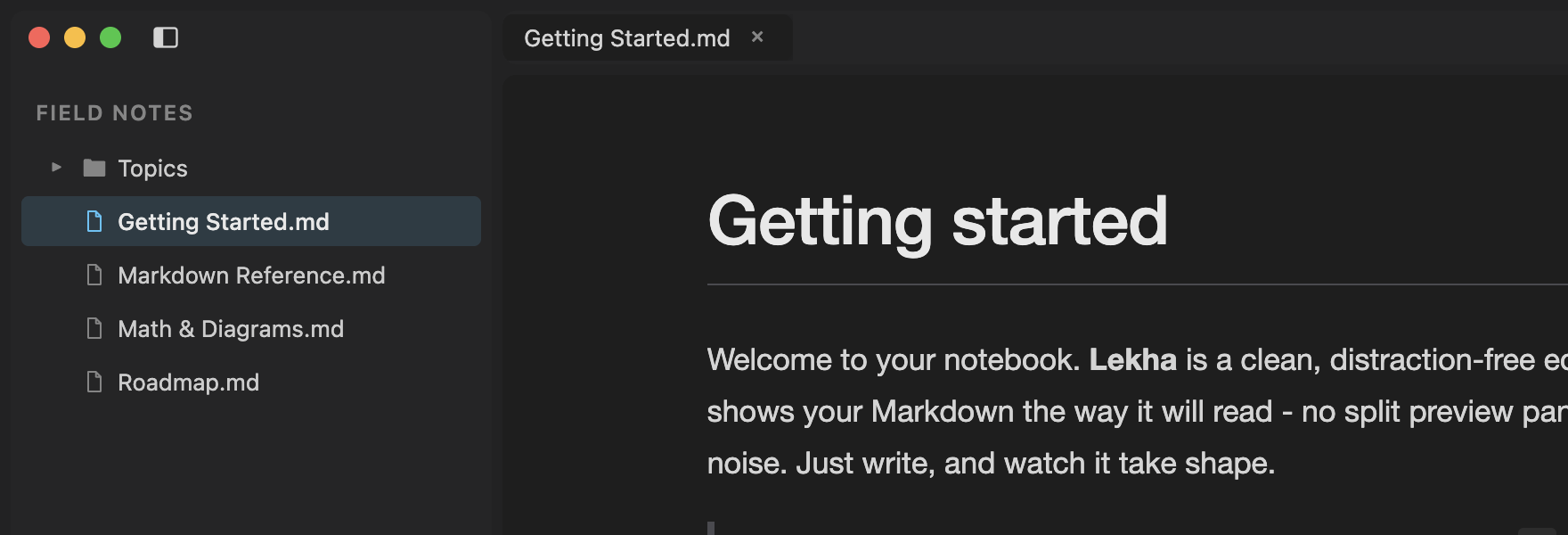
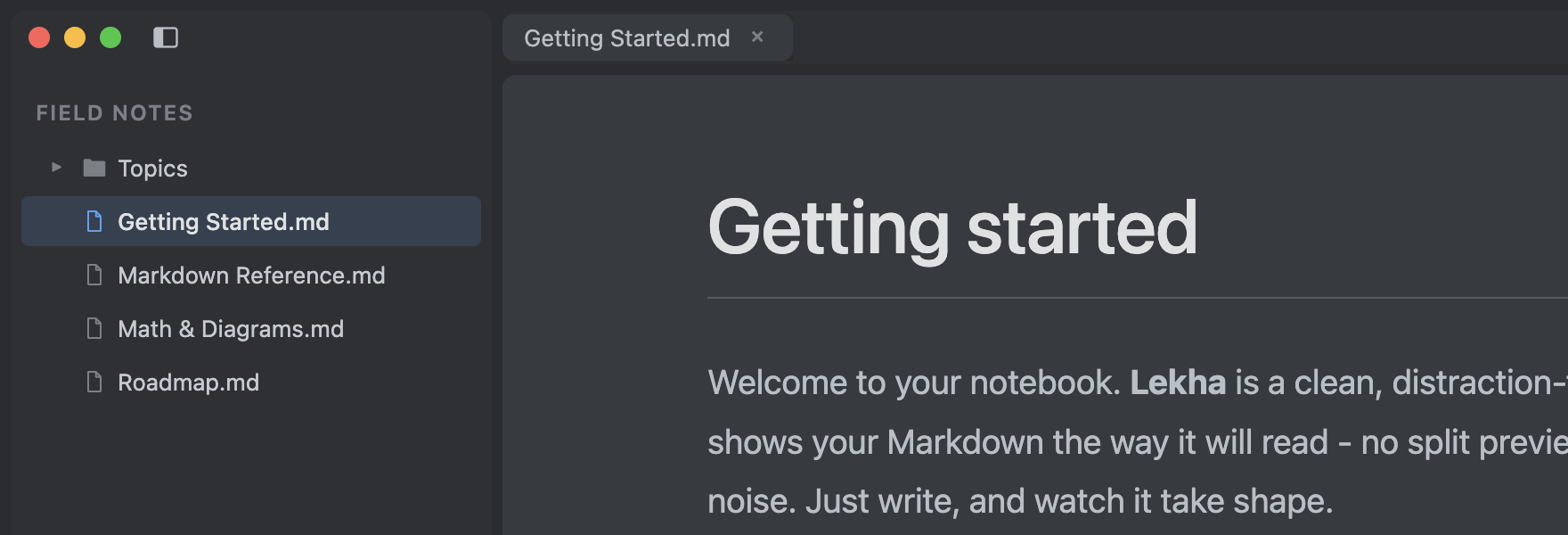
Open a folder and Lekha becomes a workspace. Browse the file tree, keep several
documents in tabs, and search across every note. Your files stay exactly where they
are - plain .md on disk.
Math & diagrams
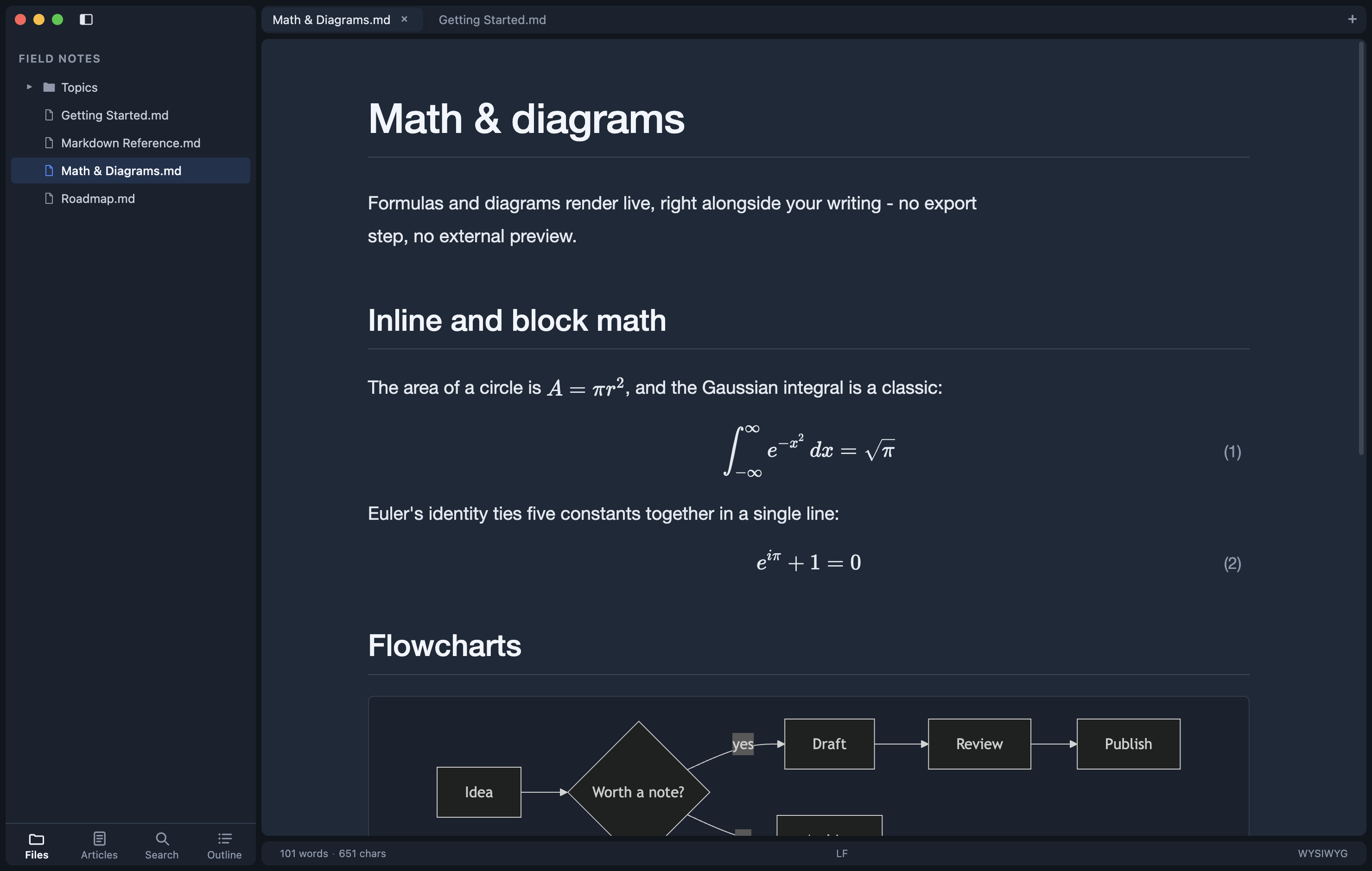
KaTeX formulas and Mermaid diagrams render live, inline with your prose - no export step, no separate preview. Equations can be auto-numbered, and diagrams follow the active theme.
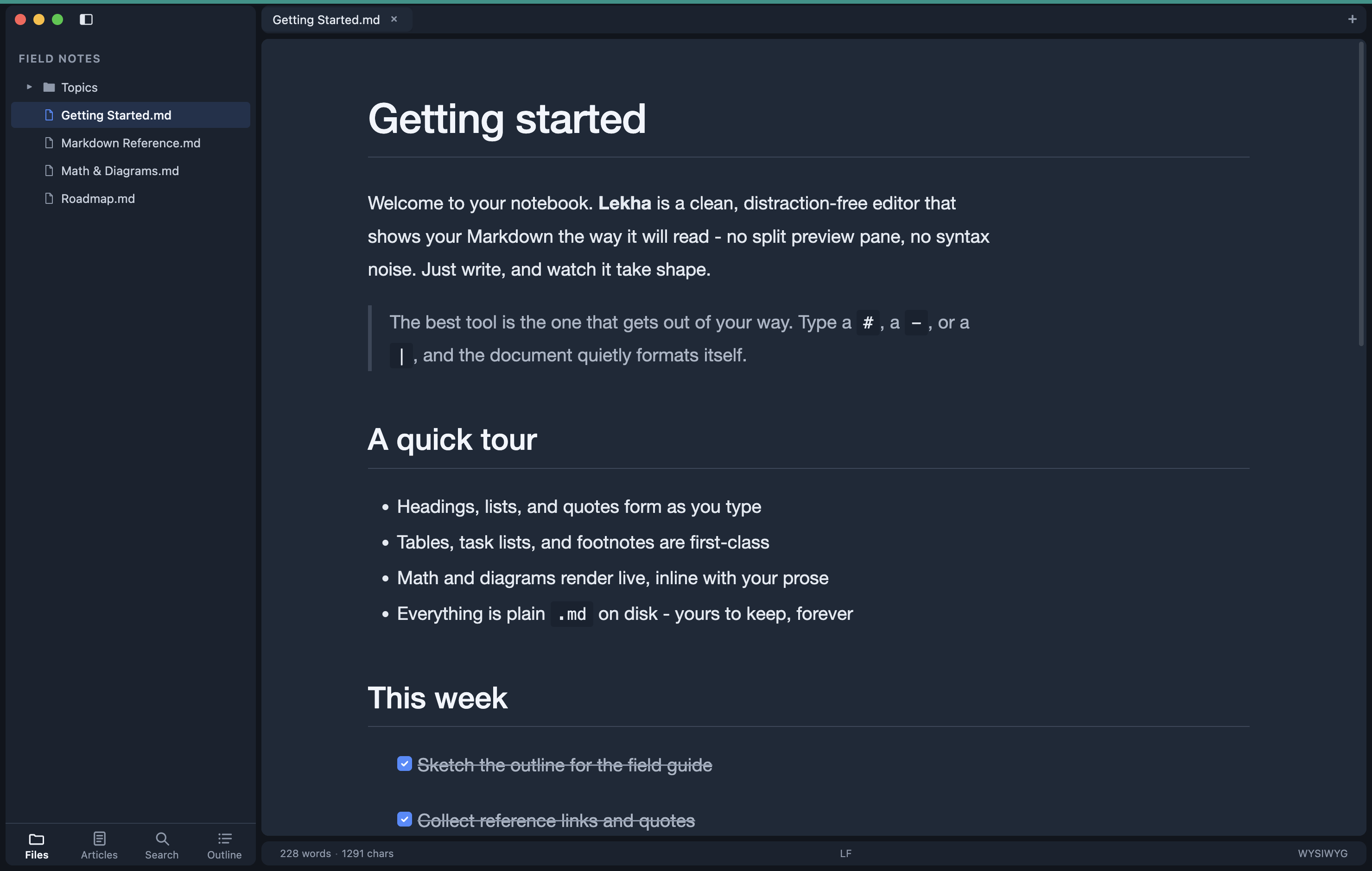
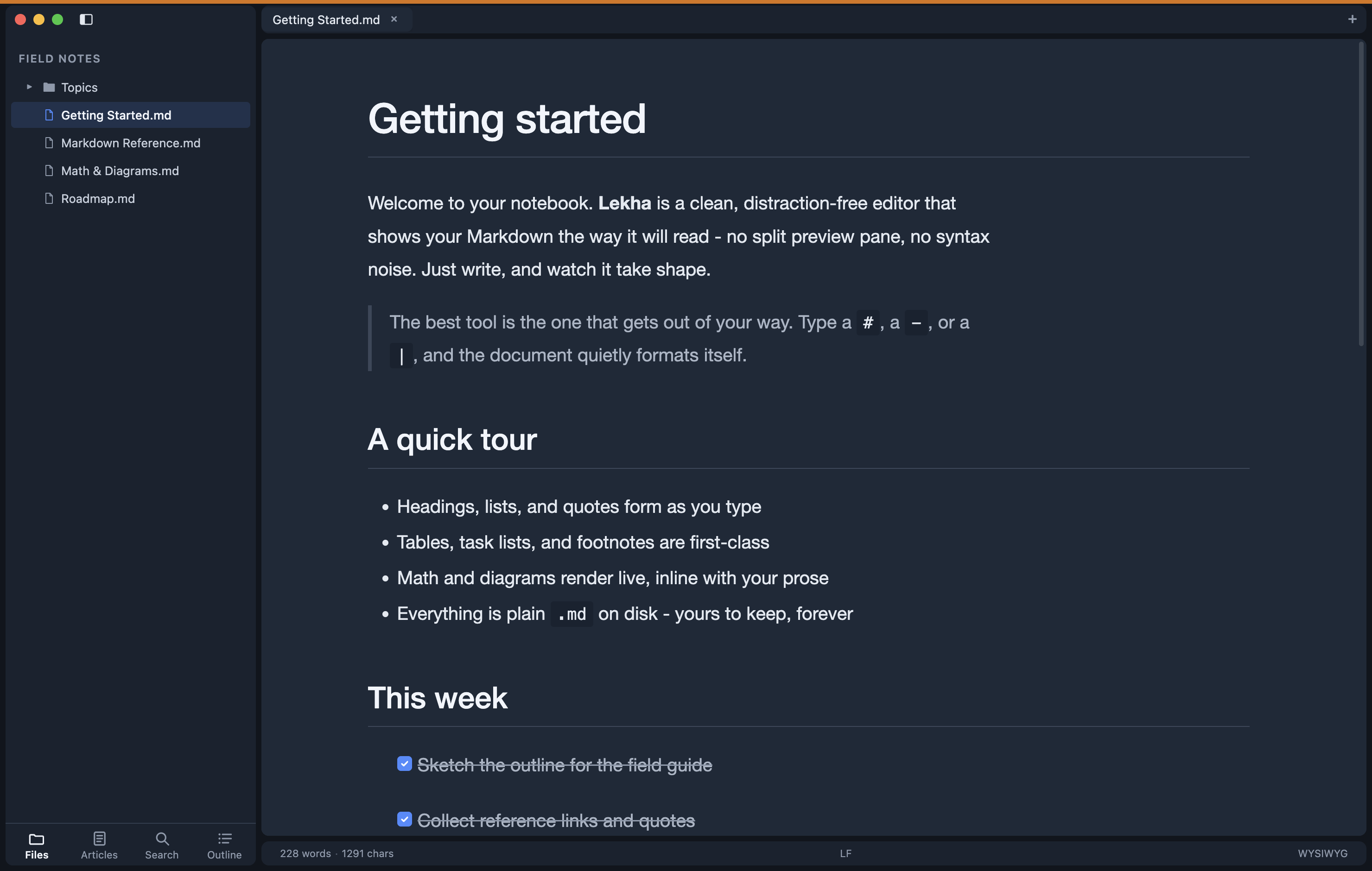
Window colors
Working on more than one project at once? Give each window its own color rail and tell them apart at a glance. The color is remembered per folder, so a project always opens with its mark.
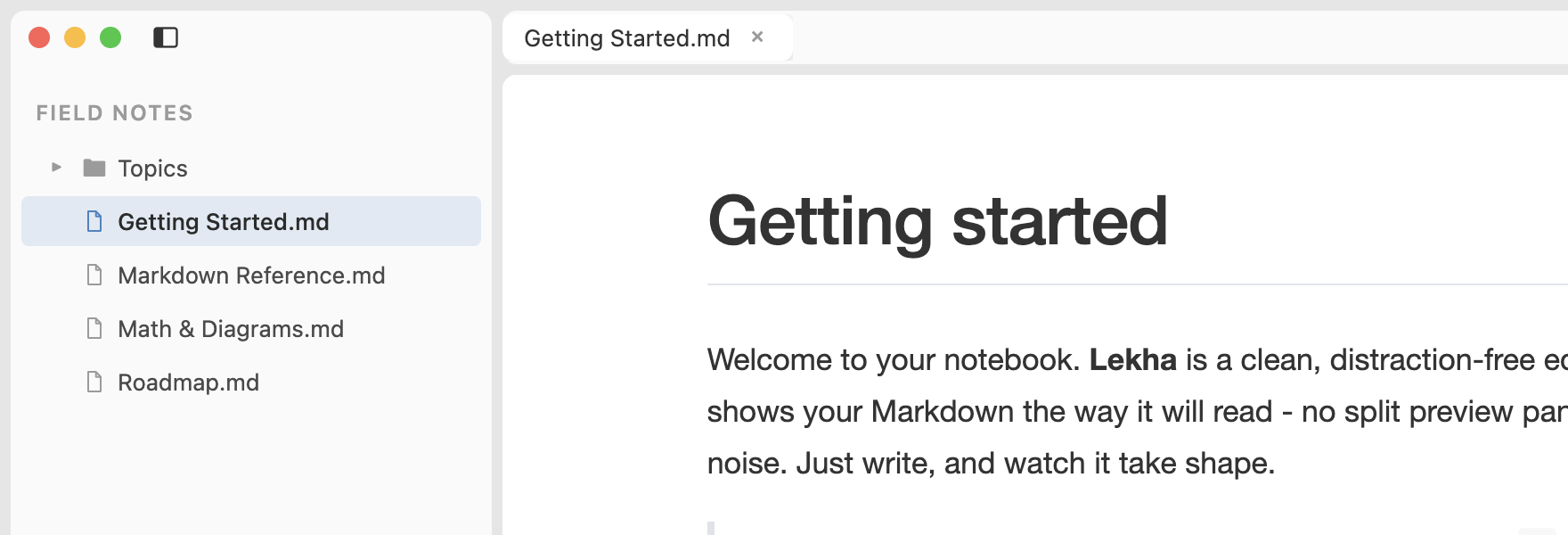
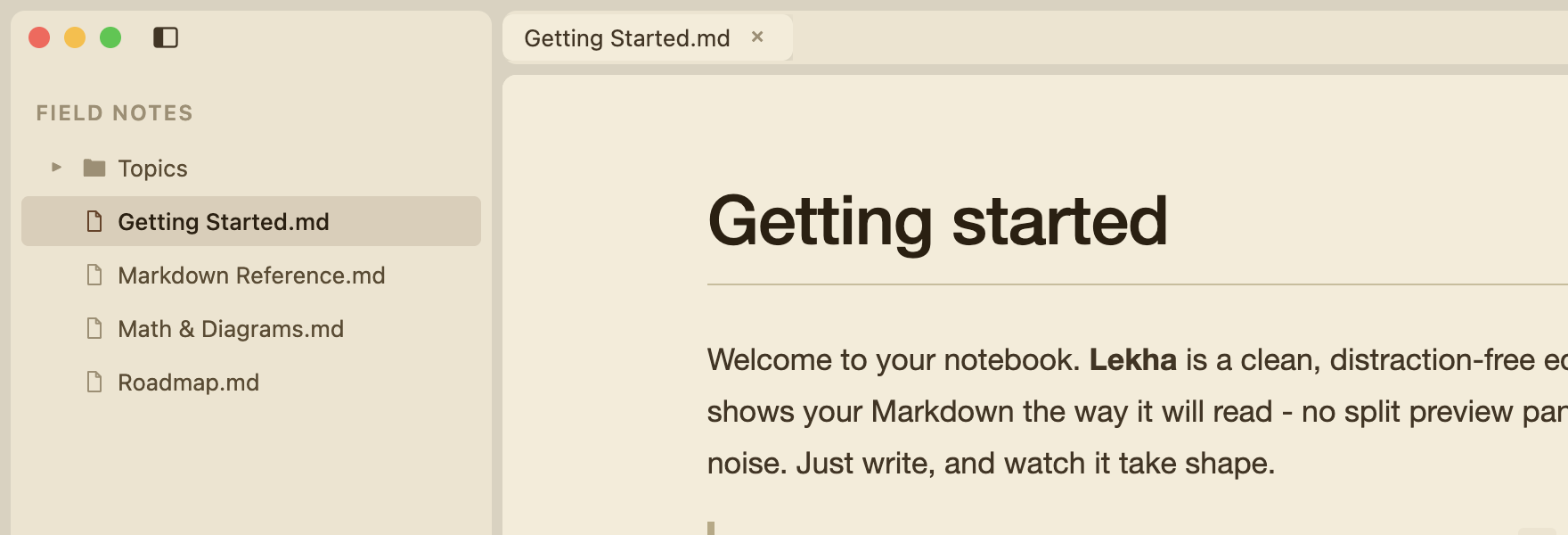
Themes & appearance
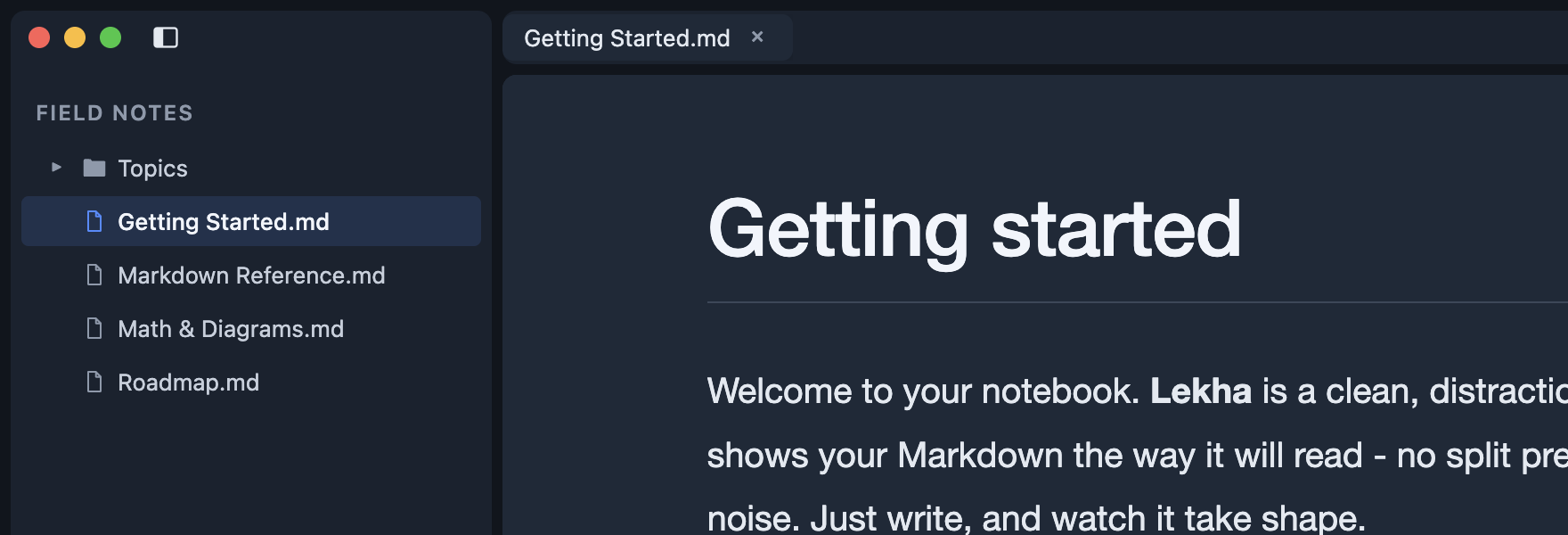
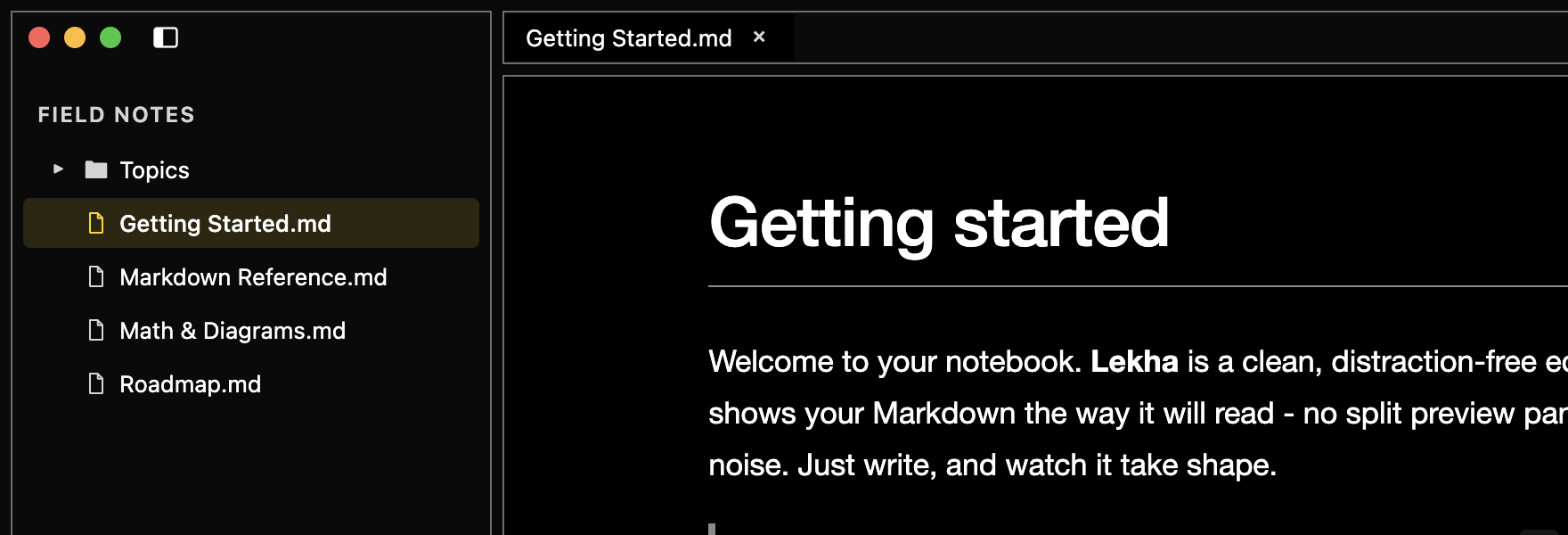
Nine built-in themes - light, warm, and dark - plus your own. Adjust the editor font size, focus mode, and typewriter mode to make the writing surface yours.
And more
-
Find & replace
In a document or across the whole folder, with whole-word matching.
-
Focus & typewriter
Dim everything but the current block, or keep your line centered.
-
Source view
Drop to raw Markdown whenever you want it, then flip back.
-
Export & copy
Save to HTML or PDF, or copy clean HTML straight to the clipboard.
-
Quick open
Jump to any file in the open folder by name with
Cmd+P. -
Tables & task lists
First-class tables, checklists, footnotes, and front-matter.
Install
With Homebrew:
brew tap mocarram/tap
brew install --cask lekha
Or download the .dmg from the latest release (Apple silicon & Intel).
First launch (unsigned build)
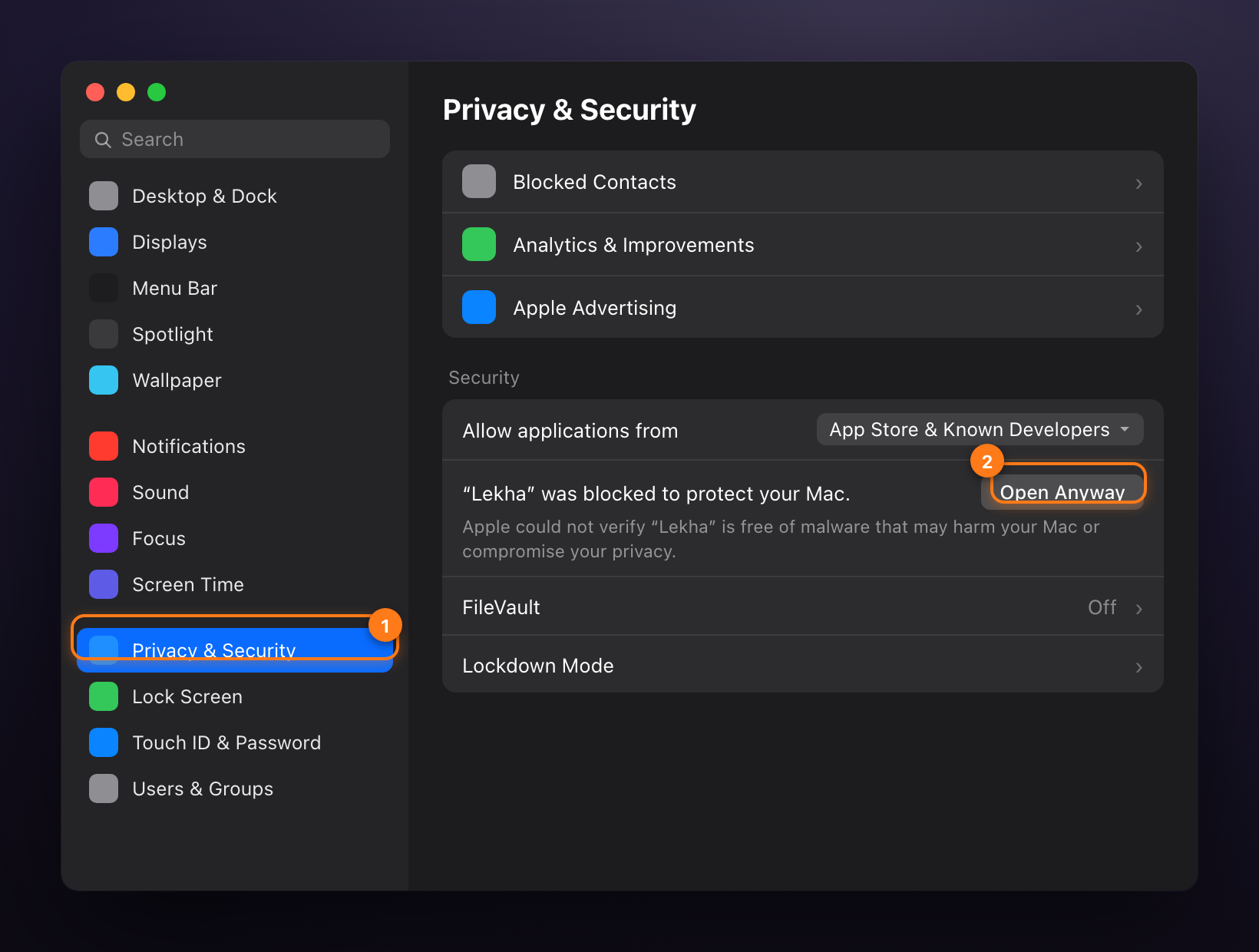
The current builds are ad-hoc signed (not yet notarized), so on first launch macOS shows “Lekha” Not Opened and blocks it. To open it, go to System Settings → Privacy & Security, scroll to the Security section, and click Open Anyway, then Open in the confirmation dialog. You only need to do this once.
Or clear the quarantine flag in Terminal:
xattr -dr com.apple.quarantine "/Applications/Lekha.app"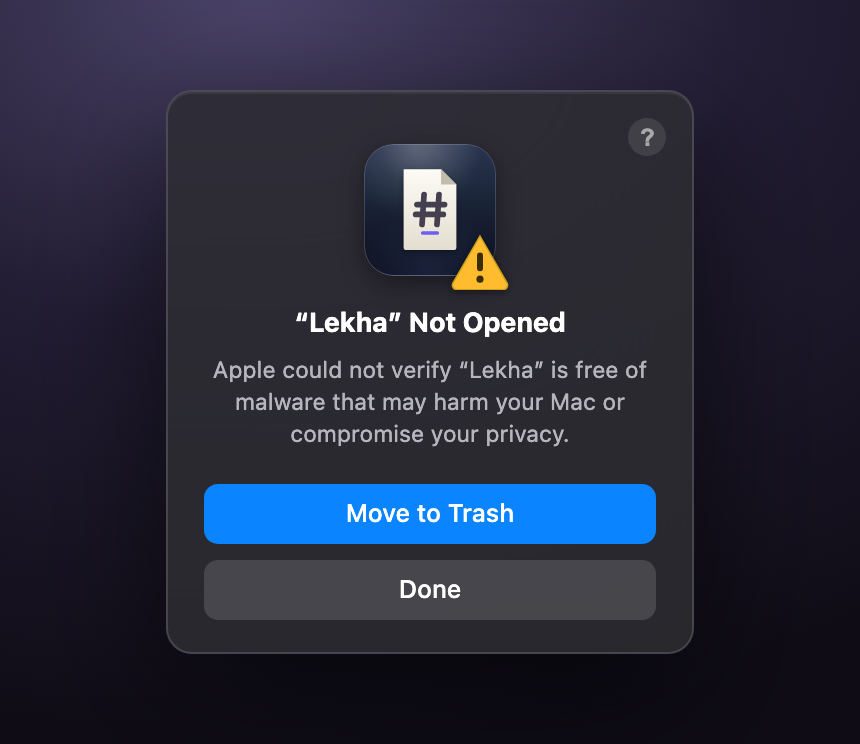
Requires macOS 11 Big Sur or later (Apple silicon & Intel).